

8 min read
How to Find Wasted Spend in Google Ads With AI
Check the conversion setup, investigate irrelevant traffic with the right reports, and let AI produce specific findings without overstating what can be saved.
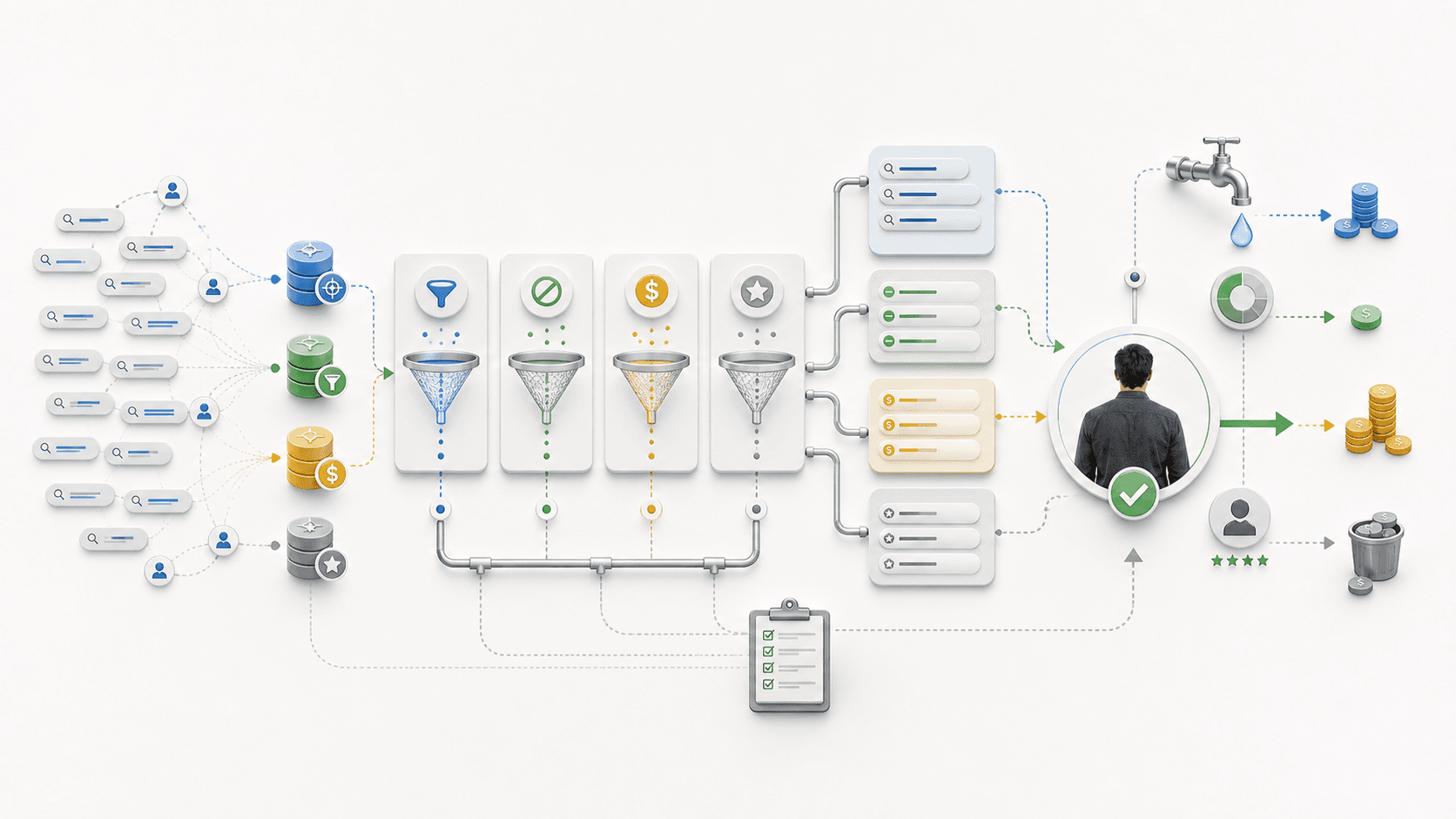
Finding wasted spend in Google Ads with AI starts before the AI: confirm what the business counts as a valuable outcome and whether the account measures it correctly. Then investigate the expensive or plainly irrelevant traffic in the reports that hold the evidence: the search terms report for Search, the channel performance report and product reporting for Performance Max, conversion delay for anything recent.
Ask the AI to sort what it finds into three piles: demonstrated waste, measurement problems, and open questions. No conversions in this export is not the same as no value, and $500 spent on a flagged segment last month is $500 of observed spend, not $500 of monthly savings.
Check the measurement before labeling the traffic
A campaign can buy relevant visits while a broken form or a stalled conversion import makes them look useless. It can also report a healthy cost per conversion while counting actions the business does not value. Find out which problem you have before you call anything waste.
Open the conversion actions. Check what triggers each one, which are primary, and what values they carry. Google's conversion tracking documentation explains how recorded actions feed the metrics the campaign optimizes toward, and a form submission, a qualified lead, and a closed sale are three different outcomes that often share one column.
Look for missing events, duplicates, wrong values, and lag in downstream data. If orders are counted twice, the fix is in the tracking, and Google's transaction ID guidance is the place to start; excluding more search terms will not repair an inflated conversion count.
Allow for conversion lag. Google's conversion lag reporting shows how long this account's conversions take to arrive: hover over the conversions column in the Campaigns table, or segment the table by Days to conversion. Recent cost can sit on the page before its conversions do, so choose a review window that gives customers time to act and hold the incomplete recent days apart from the rest.
With measurement credible, name the business problem. A plainly unrelated search is one thing; relevant traffic that misses a profitability target is another. The first may justify an exclusion. The second may need a better offer, a better landing page, a different bid strategy, or better measurement.
See days to conversion for the account
- Campaigns
- Segment
- Conversions
- Days to conversion
Give the AI a question and the evidence that answers it
Start with one material concern, such as rising cost per qualified lead in one campaign, with the period, the business context, and the outcome you want to understand. Find every leak produces a long checklist with nothing to prioritize.
For Search, the evidence is the search terms report with campaign and ad group context, cost, and outcomes. Google's search terms documentation explains that some individual queries are omitted for privacy; the AI should work with what is visible and say what is not.
For Performance Max, the channel performance report answers channel questions, product and listing group reporting answers retail questions, and the placement report answers only where the ads appeared, with impressions and nothing else. Keep those limits attached when the exports are combined.
Ask the AI to show the evidence behind each finding, offer the strongest competing explanation, and say what would change its recommendation. That is worth more than a confident list of negatives built from word associations.
If the account is large, break the exports into coherent campaign groups without losing identifiers, and before trusting any total check that currency, dates, filters, and conversion definitions match across files.
| Possible problem | Evidence to inspect | What the evidence does and does not show |
|---|---|---|
| Unrelated searches | Observed queries with campaign context, the offer, and the landing page | Shows intent mismatch; does not show that a generic word such as cheap is always unwanted |
| Traffic that does not become useful leads | Conversion action setup and downstream outcomes from the CRM | Shows which actions are counted; does not show that every submitted form has the same value |
| Poor retail results | Product eligibility, availability, prices, landing pages, and measured purchases | Shows feed and product problems; a bid change repairs none of them |
| A worrying partner placement | Reported impressions and the advertiser's suitability requirements | Shows exposure; an impressions-only row identifies neither cost nor waste |
| Unexpected spend movement | Budgets, reporting dates, recent changes, business events | Shows pacing; a pacing change is not evidence of irrelevant traffic |
Prioritize findings without inventing a savings total
Put measurement failures and clearly irrelevant activity ahead of fine tuning. Then weigh scale, confidence, the cost of the fix, and the risk to valuable traffic.
Historical cost helps you decide what to investigate first; it is not money the advertiser will necessarily recover next month. If an irrelevant group spent $500 in the period, call it $500 of observed spend in that group. Promise $500 of monthly savings only with an explicit basis for the estimate, and expect to be asked for it.
Watch for overlap. The same clicks can appear in a device segment, a location segment, and a search term group. Adding the three together counts some of the spend three times. Keep a non-overlapping calculation, or report the findings separately and say so.
A zero-conversion filter is a starting point, not a verdict. A low-volume, high-value query may need more time; a plainly unrelated query needs no more spend. No dollar threshold decides both correctly.
Match the response to the finding. A narrow negative for irrelevant intent. A repair for a broken landing page. Reliable data for a measurement gap. A test, not an exclusion, for a relevant segment that underperforms. And read the bidding strategy before proposing device, schedule, or location adjustments; a segment difference does not show that a familiar adjustment is supported or effective under that strategy.
Questions and answers
Where should an AI wasted spend audit start?
With the business outcome and the conversion setup, then one specific campaign or account concern. Search terms, product reporting, the channel performance report, and conversion lag are useful once there is a question they can answer with data they actually contain.
Can AI tell me exactly how much I will save?
It can total historical cost from the data you give it and help build an explicit estimate. It cannot turn every flagged row into guaranteed savings, especially where segments overlap or future traffic and conversion behavior are uncertain.
Is a search term with zero conversions wasted spend?
Not by itself. Check whether it is relevant to the offer, whether conversions in this account take longer than the window you looked at, and whether the conversion action would have captured the outcome. A relevant query that has not converted yet and a query for something you do not sell are different findings.