

5 min read
Google Tag Gateway: What Changes and How to Check It
Check the request path, consent behavior, and purchase event—not just the gateway's Active label.
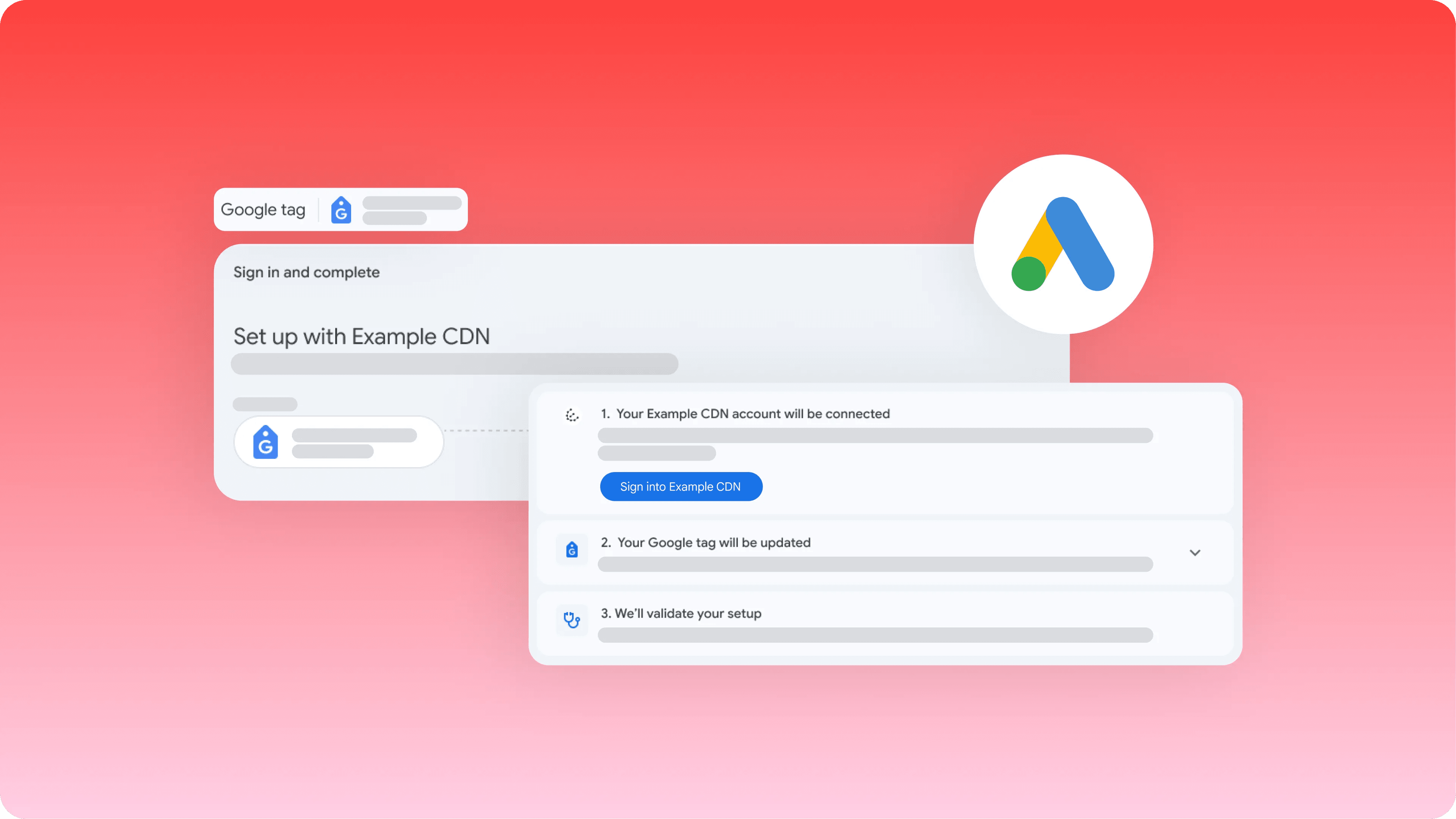
Google tag gateway for advertisers serves the Google tag through your website's domain and routes some measurement requests through that first-party infrastructure. It can improve measurement coverage, but it does not fix the meaning of a purchase event or prove that advertising produced more sales.
The route changes. The conversion still needs to be right.
A retailer enables the gateway. Reported purchases rise the following week. That might be better measurement, a stronger week of trading, duplicate events, or a mixture. The setup screen cannot tell you which. Before celebrating a lower CPA, find out what changed between the customer buying and Google Ads recording the purchase.
In a standard setup, the browser loads the tag from Google. The gateway puts your own domain in that request path, using infrastructure such as a CDN, load balancer, or web server. Google's current setup guide lists Cloudflare, Akamai, Fastly, and Google Cloud options; the available instructions depend on the provider and setup method. Google's gateway guide explains the architecture.
This is not the same decision as choosing your conversion actions. A purchase counted twice is still wrong when both requests travel through a first-party domain. A form submission that never becomes a qualified lead does not become more valuable because its tag loads reliably.
Choose the setup that fits your consent implementation
Start with the infrastructure you already use and the person who can change its routing. Avoid introducing a second deployment system just to follow someone else's screenshot. Inspect the provider-specific instructions before granting access or modifying production tags.
For Cloudflare, Google directs advertisers through Tools → Data manager → Google tag → Manage → Admin → Google tag gateway. Its Cloudflare instructions make an important distinction: consent-mode users must disable automated script setup. Self-service setup requires retagging to the new measurement path. The automated and manual paths are not interchangeable.
Treat the consent banner as part of the journey you are testing. Try a fresh visitor who declines, one who accepts, and a returning visitor who changes their choice. Check that the events and consent state follow your intended configuration. Routing through your domain is not permission to ignore those choices.
Follow one purchase from the browser to the report
Use a test transaction that your team can recognize and exclude from commercial analysis. Record the order reference, expected value and currency, and the point in checkout where the event should fire. Those facts make a much better test than watching a dashboard total move.
Google's Cloudflare guide recommends Tag Assistant: navigate to trigger the relevant tags, then inspect Summary → Output → Hits sent for the measurement path. Also inspect the actual purchase event. A successful request for the tag script alone does not establish that the conversion request was sent correctly.
Repeat the journey on the checkout variant most likely to differ from your main site: mobile checkout, an external payment return, or a separate subdomain. These are test choices based on your architecture, not a requirement to audit every page before you can make progress.
- Does the event fire at the intended completion step, rather than merely on a button click?
- Do value, currency and order identity describe that transaction?
- Does refreshing the confirmation page create a duplicate event?
- Does the request follow the intended route and consent behavior?
More recorded conversions is not automatically more revenue
Suppose the order system records 200 completed orders in each of two comparable periods. Google Ads reports 120 purchases before the routing change and 138 afterward. That is a 15% rise in reported purchases, but no rise in total orders. It is a reason to investigate measurement coverage and attribution, not to claim the gateway generated 18 sales.
The comparison is deliberately simple. In a real account, traffic mix, conversion lag, refunds and attribution can also change. Keep a dated note of the routing release so someone reading next month's chart knows that the measurement system changed.
Google's May 2025 launch announcement reported an 11% uplift in signals. Its footnote describes a seven-day trailing median of Google tag script loads, not revenue. That is not an 11% sales promise for your site. Read the announcement and its footnote.
When something breaks, fix the observed failure: an incorrect request path, a missing event, or duplicate purchase reporting. A temporary CPA movement by itself does not identify a gateway fault or justify undoing the setup.
Questions and answers
Does Google tag gateway replace conversion tracking setup?
No. It changes how the tag and some measurement requests travel. You still need correctly defined conversion events, values, destinations and consent behavior.
Can an Active gateway status prove that purchases are recorded correctly?
No. Follow a recognizable test purchase, check the request and its event details, and distinguish that technical result from later attributed reporting.