

Analytics Review
Ask Advisor in Google Analytics for Google Ads Teams
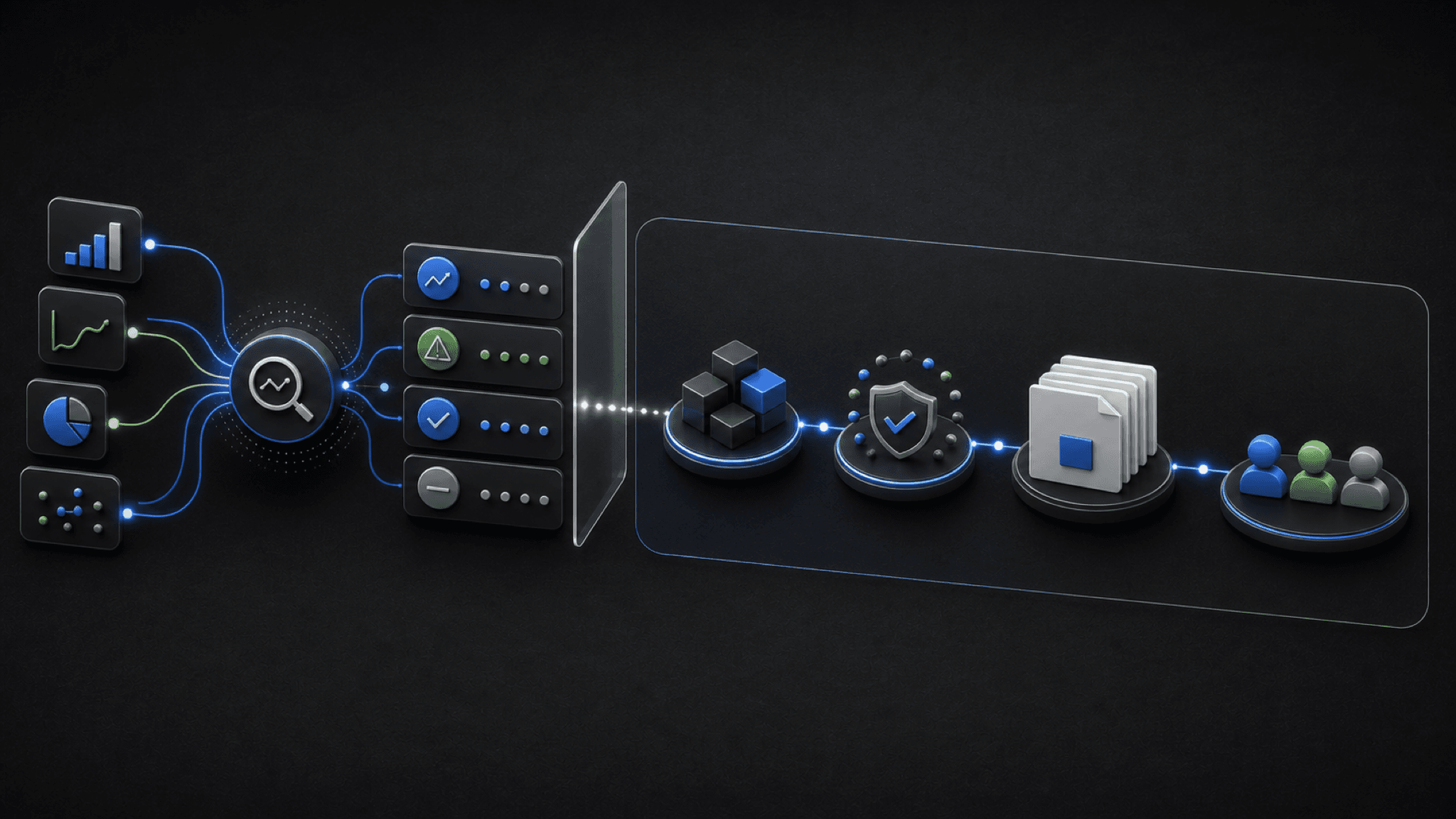
Editorial concept graphic for Ask Advisor in Google Analytics and shared Google Ads review.
Ask Advisor in Google Analytics helps diagnosis. Google Ads teams still need lineage from GA4 joins to campaigns, conversions, and Change history.
Key takeaway
The analytics lead drops a chart in Slack: sessions fell, key events softened, and the channel mix shifted. The paid media lead asks which campaigns, conversion actions, and recent account edits explain the move. The chart had numbers. It did not have lineage. An Ask Advisor in Google Analytics earns trust by showing its joins. Numbers without lineage are opinions with decimals.
Ask Advisor in Google Analytics can surface measurement and performance questions, but Google Ads teams still need to connect findings to campaign settings, conversion actions, attribution, budgets, lead quality, revenue quality, and recent account changes before deciding next steps.
The useful handoff is from diagnosis to paid media review: what changed, which Google Ads surface is involved, which metric should be checked, and what action the team should take next. Parallel helps package that handoff with connected Google Ads context while keeping drafted campaign changes under human approval.
Checked against current product, pricing, trust, and official Google materials so the comparison, buying guidance, and fit criteria stay current and defensible.
- Analytics diagnosis was separated from the Google Ads campaign decisions that follow it.
- GA4, linked accounts, conversion actions, key events, attribution, budgets, CPA, ROAS, lead quality, and Change history were reviewed together.
- Parallel claims stay limited to combining analytics findings with account context and a shared recommendation.
Ask Advisor in Google Analytics can surface measurement and performance questions faster than a blank GA4 report. Speed is real. Lineage is still the paid media team's job.
DEFINITION
Analytics join
The named path from a GA4 finding to the linked Google Ads account, campaign report, conversion action, attribution setting, and Change history line that confirms or challenges the finding. Without that path, the number is not yet actionable for paid media.
Google Analytics Help: Link Google Analytics and Google Ads
Native analytics diagnosis can shorten the path to a plausible explanation. It can point the team toward measurement changes, attribution questions, or performance movement that deserves a closer look.
Google's Ask Advisor in Google Analytics Help page describes property-level context, visualizations, and report links. Those features help you ask better questions. They do not replace the Google Ads review that follows.
The next step still belongs to the paid media review: campaign settings, budgets, conversion actions, Change history, and the actual quality of leads or revenue.
A fast diagnosis without joins is still a hypothesis.
Once lineage is the standard, the handoff table is not bureaucracy. It is how analytics stops freelancing as paid media strategy.
Google's linking documentation explains how Analytics properties connect to Google Ads accounts. The join is only useful when the summary names which linked account, which conversion action, and which campaign report confirms or contradicts the analytics chart.
Measurement changes should be separated from campaign performance changes before anyone edits bids. Mixed diagnoses create mixed fixes.
Reporting questions need the same discipline. A client update should say what is confirmed, what is still under review, and which Google Ads surface will answer the open question.
| Finding type | Google Ads checks | Decision output |
|---|---|---|
| Measurement change | Linked accounts, conversion actions, key events, attribution, conversion lag, and Change history. | State whether the issue is measurement quality or campaign performance. |
| Performance movement | Campaign report, CPA, ROAS, budgets, Search, PMax, Demand Gen, and lead or revenue quality. | Decide whether to inspect, test, hold, or change the campaign. |
| Reporting question | Report editor, GA4 dimensions, attribution settings, and client reporting needs. | Write a summary that separates confirmed movement from questions still under review. |
Lineage is the difference between insight and decoration.
With joins defined, the summary format is what keeps analytics work from dying in a thread.
A strong next-step summary names the analytics finding, the Google Ads campaign or setting involved, the metric that changed, and the action the paid media team should take. That keeps diagnosis from turning into a vague AI-generated explanation.
Include attribution settings and conversion lag when they affect interpretation. Google's conversion tracking Help page reminds teams that measurement definitions shape what performance looks like in both GA4 and Google Ads.
End with owner and evidence: who reviews the campaign report, which date range matters, and what outcome would trigger a change versus a hold.
Weekly analytics-to-Ads rituals work best as a short template pasted into the same doc every time. Templates feel boring. They are how joins stop getting dropped when the team is busy.
Client reporting benefits from the same lineage rule. If the analytics chart goes to a client, the paid media appendix should name the campaigns and conversion actions behind it.
A handoff without joins exports the work back to paid media.
Templates are boring. They are also how joins survive busy weeks.
Every handoff should list the GA4 finding, linked Google Ads account, conversion actions, campaign report, attribution note, and proposed paid media action.
If a field is unknown, write unknown. Blank fields are where lineage goes to die.
Store the template beside weekly reports so analytics and paid media leads edit the same doc instead of separate threads.
Lineage is a form discipline, not a talent trait.
If lineage is the bar, the tooling question is whether analytics notes and campaign review stay in one recommendation.
Parallel helps merge analytics findings with Google Ads campaign context, uploaded notes, reports, and a shared recommendation for what the paid media team should inspect next.
That is useful when a diagnosis needs to become a campaign review, client update, or controlled account-change recommendation. The agent reads the connected Google Ads account, finishes the summary in docs, sheets, or reports, and keeps drafted changes waiting for human approval.
Parallel does not replace Ask Advisor in Google Analytics or native GA4 reporting. It helps after diagnosis, when the team needs paid media context and a shareable next step.
See Ask Advisor and AI agents after GML 2026. On Monday morning, take the last analytics finding your team shared, list the linked Google Ads account, conversion actions, and campaign report needed to confirm it, and assign an owner before anyone changes bids.
Keep Ask Advisor in Google Analytics separate from Ask Advisor in Google Ads. They help different parts of the stack and should not be merged into one generic AI label in your internal notes.
Trust arrives when the joins are visible.
Google documentation
Google's announcement context for Ask Advisor across Google Ads, Google Analytics, Google Marketing Platform, and Merchant Center.
Google's Help reference for Ask Advisor in Google Analytics, including property-level context, English-language availability, visualizations, and report links.
Google's reference for linking Analytics properties and Google Ads accounts.
Official reporting reference for Report editor, predefined reports, saved reports, and manager-account reporting.
Google's conversion tracking reference for conversion actions and value measurement.
- Blog homeBrowse every published Google Ads guide from one editorial index.
- Google Ads AI agent: complete guideThe pillar guide covers the category definition, the adoption model, and where the agent fits real Google Ads work.
- ResourcesMove between the definition page, pricing, product walkthrough, and trust pages.
- About Parallel AISee the company mission, editorial standards, and operating principles behind the product.
- SecurityReview the public data-handling, account-connectivity, and approval-control framing used throughout the published guides.
- Author profileSee the background, specialties, and editorial responsibilities behind the published guides.
- Editorial reviewReview how pricing, trust, and capability claims are checked before public content ships.
- Ask Advisor in Google Ads Beta: How to Review RecommendationsFor eligible accounts where Ask Advisor or Recommendations need campaign context before changes go live.
- Ask Advisor and AI Agents After GML 2026: Native Google Help vs Team ReviewFor teams deciding what belongs in Ask Advisor, native Google AI, or agent-led account review after GML 2026.
- How AI Agents Help Optimize Google Ads: Reports, Settings, and Review StepsA technical guide to diagnosis, prioritization, and reviewed changes in Google Ads.
- AI-Driven Google Ads Management: What Teams Should Automate in 2026For teams designing a Google Ads management model that separates intent from drafted execution.