

Recommendation Review
Ask Advisor in Google Ads Beta
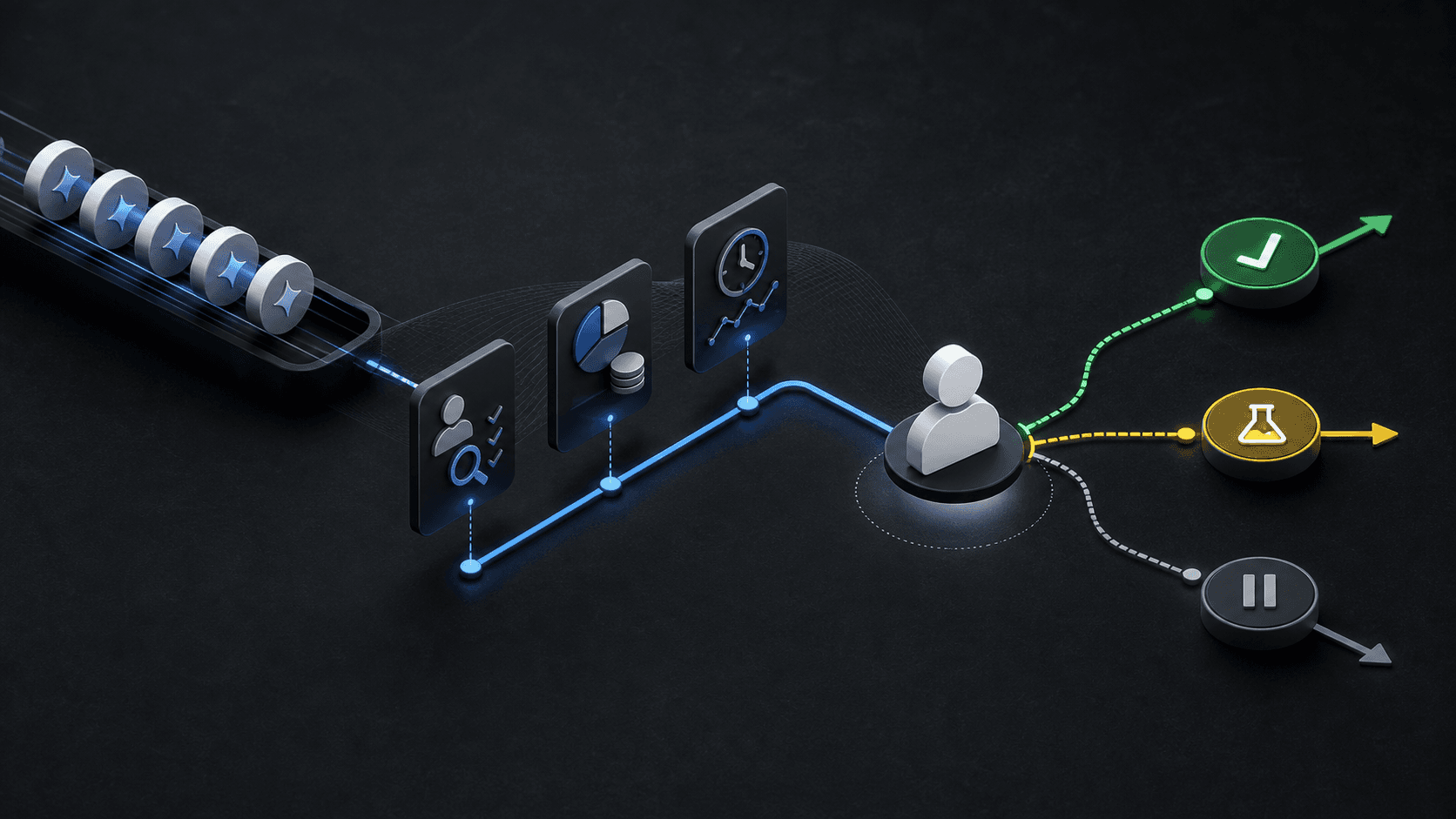
Illustrative concept graphic for Ask Advisor recommendation review, not a product screenshot.
Ask Advisor (beta) can act inside Google Ads with your approval. Scoped permissions and a review habit turn suggestions into apply, test, hold, or reject decisions.
Key takeaway
Ask Advisor in Google Ads (beta) opens from the Ask Advisor icon in the top right of an eligible account. Google's Help page says it can identify improvements, troubleshoot performance, suggest creatives, and implement changes with your approval. It also says Ask Advisor is in beta, may have limitations, is not currently available in manager accounts, and that it is your responsibility to ensure accepted suggestions are accurate and relevant before they go live. An advisor that can act needs the same thing a junior hire does: scoped permissions and a review habit.
Every suggestion still deserves comparison against campaign goals, conversion quality, budget constraints, recent Change history, and CPA or ROAS targets. The review should end with apply now, test first, hold, or reject, naming the campaign surface, the metric at risk, and why the change is safe or unsafe. Parallel AI compares advisor or Recommendations output with connected account context and business notes, then writes the decision summary in a doc or spreadsheet for a person to approve before any drafted change ships.
Checked against current product behavior, account-review tools, and official Google materials so the explanation matches the real review process and live product boundaries.
- Google's Ask Advisor beta documentation defines access paths, example tasks, approval responsibility, MCC limitations, and beta caveats.
- Budget, bidding, keyword, Performance Max, and conversion-quality checks were mapped to apply, test, hold, and reject outcomes.
- Parallel's role stays limited to account-context summaries and drafted changes held for human approval without replacing Ask Advisor.
Ask Advisor can answer performance questions, generate reports, troubleshoot policy issues, and propose optimizations inside Google Ads. Google's example query table spans performance monitoring, ad serving troubleshooting, campaign creation, and billing support. Speed is real. So is accountability.
DEFINITION
Ask Advisor in Google Ads (beta)
An agentic conversational experience in Google Ads built on Gemini capabilities. Google's Help page says eligible accounts see an Ask Advisor beta icon in the top right, that suggestions can be implemented with your approval, and that the feature is in beta with possible limitations. Ask Advisor is not currently available in manager accounts.
Google Ads Help: Ask Advisor in Google Ads (beta)
Treat Ask Advisor suggestions the same way you would treat Recommendations from the Optimization score panel: useful signals that still need campaign context. Google's About recommendations page says suggestions use account history, campaign settings, and trends.
Scoped permissions start with who may accept changes, which accounts are in scope, and which campaign types require a second reviewer. Manager account teams should plan child-account access because Google's documentation excludes MCC accounts from Ask Advisor today.
Conversion quality and Change history are the fastest falsification tests. If tracking moved last week, a brilliant-sounding bid or budget suggestion is building on sand.
Ask Advisor can generate images from landing pages or Google AI, per Google's beta Help page. Creative suggestions need the same brand and policy pass as text and budget recommendations before approval.
Beta labels are a reminder to keep the review habit, not to ignore the tool.
Once context is the frame, every suggestion gets the same four-option decision record.
Apply now when the suggestion matches the campaign goal, quality signals are strong, and risk is low. Examples include labeling hygiene or accepting a budget shift already debated in the weekly pacing review.
Test first when upside is plausible but spend, targeting, or conversion quality impact is material. Name the test window and rollback trigger in writing.
Hold when tracking, conversion quality, or business context is unclear. Hold is the right answer more often than teams admit.
Reject when the recommendation conflicts with account strategy, margin constraints, or client commitments that do not live inside Google Ads.
Optimization score movement alone is not approval. Google's About Optimization score page describes score changes as a summary of available Recommendations. A higher score can still point toward changes that violate your margin, brand, or tracking constraints.
| Suggestion area | Checks to run | Decision risk |
|---|---|---|
| Budgets and bidding | Budget constraints, bid strategy, CPA, ROAS, conversion lag, and recent volatility. | A useful-looking recommendation can move spend before quality is stable. |
| Search and keywords | Match types, search terms, negative keywords, landing pages, and lead quality. | Broader reach can dilute intent if the query mix is not reviewed. |
| Performance Max | Asset groups, product coverage, audience signals, listing groups, and conversion value. | Native recommendations may not reflect every commercial constraint the business cares about. |
A useful recommendation summary names the campaign, the suggestion, the metric at risk, the decision, and the next review date. That is enough for another teammate or client to understand why the change did or did not move forward.
Include whether the suggestion came from Ask Advisor, the Recommendations panel, or Optimization score so future reviewers know which surface originated the idea.
When Ask Advisor implements a change with approval, mirror the decision in Change history notes or your team doc the same day. Memory fades faster than the platform moves.
Illustrative record: Performance Max budget increase rejected because purchase value per click fell eleven percent over fourteen days and the client capped monthly spend. Numbers are illustrative. The mechanism is documenting why speed did not equal approval.
Weekly QBRs should list open Ask Advisor and Recommendations decisions the same way they list experiments. Otherwise leadership sees outcomes without the review trail that justified them.
Agency pods can assign one recommendation owner per account so Ask Advisor threads, Optimization score cards, and client notes converge in one shared doc instead of three chat logs.
If the summary cannot name the metric at risk, the decision is still not finished.
Ask Advisor and Recommendations originate ideas inside Google Ads. Parallel AI fits after the suggestion appears and before a material change goes live. The agent compares the suggestion with connected account context, uploaded business notes, recent Change history, and CPA or ROAS movement, then writes apply, test, hold, or reject rows in a doc or spreadsheet the account lead can forward. Drafted account changes wait for a person to approve. Speed without a shared summary just moves the argument to Slack. See for boundary context. On Monday morning, open Recommendations and any Ask Advisor thread from the last seven days, log each suggestion with metric at risk and decision outcome, and close any apply action that lacks a written reason. One logged decision beats five forgotten approvals.
Google documentation
Google's current Help page for Ask Advisor in Google Ads scope and advertiser review responsibility.
Official reference for Google Ads Recommendations and how they use account history, campaign settings, and trends.
Google's reference for Optimization score and recommendation categories.
- Blog homeBrowse every published Google Ads guide from one editorial index.
- Google Ads AI agent: complete guideThe pillar guide covers the category definition, the adoption model, and where the agent fits real Google Ads work.
- ResourcesMove between the definition page, pricing, product walkthrough, and trust pages.
- About Parallel AISee the company mission, editorial standards, and operating principles behind the product.
- SecurityReview the public data-handling, account-connectivity, and approval-control framing used throughout the published guides.
- Author profileSee the background, specialties, and editorial responsibilities behind the published guides.
- Editorial reviewReview how pricing, trust, and capability claims are checked before public content ships.
- Ask Advisor and AI Agents After GML 2026: Native Google Help vs Team ReviewFor teams deciding what belongs in Ask Advisor, native Google AI, or agent-led account review after GML 2026.
- Google Ads Automation vs AI Agents: Rules, Native AI, and Agent-Led ReviewHelpful when a team needs to sort Google Ads work into threshold-based automation, auction-time optimization, or account-level diagnosis with approval.
- How AI Agents Help Optimize Google Ads: Reports, Settings, and Review StepsA technical guide to diagnosis, prioritization, and reviewed changes in Google Ads.