

Source Reliability
Data Manager Product Linking
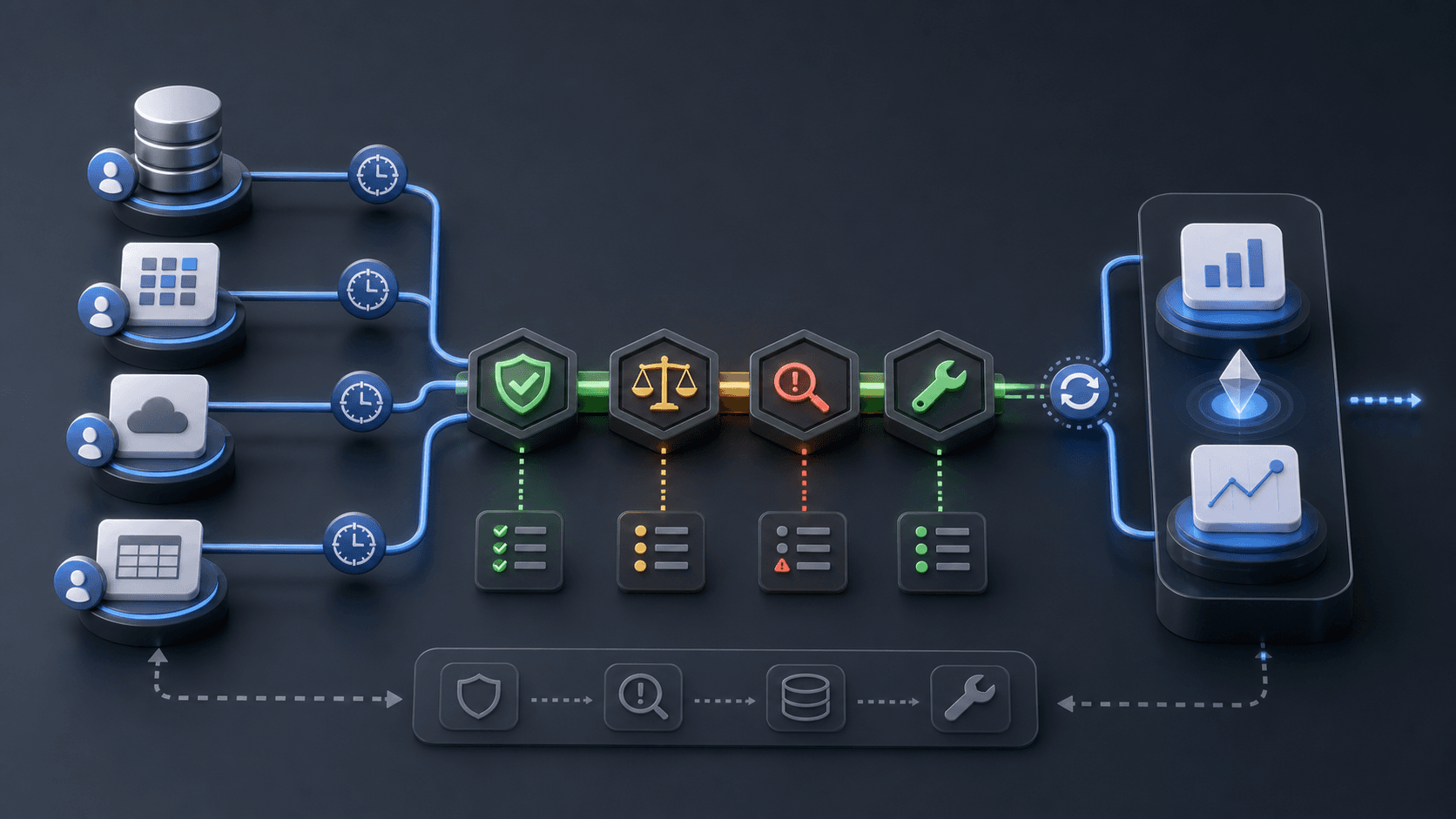
Illustrative concept graphic for Data Manager product linking governance, not a product screenshot.
Every Data Manager product link is access control. Name who granted it, what campaigns depend on it, and how to recover before scale.
Key takeaway
The analytics lead leaves and three Data Manager product links still show connected while nobody on the paid media team can say which audiences, conversion imports, or reporting views depend on them. Google's product linking Help page describes how Google Ads accounts connect data products through Data Manager. Setup treats a successful link as done. Governance treats every link as access control: who granted it, what it can read or write, which campaigns break if it fails, and how to recover before the next budget scale.
The reframe is explainable permissions. A link nobody can narrate is a latent incident. Parallel AI reads the connected account, documents link owners and campaign dependencies your team supplies, writes the governance sheet in a doc or spreadsheet, and drafts remediation notes for a person to approve.
Checked against current product behavior, account-review tools, and official Google materials so the explanation matches the real review process and live product boundaries.
- Google's product linking Help page defines Data Manager connection context across Google Ads data products.
- Google's data sources Help page describes ongoing source management separate from initial link creation.
- Parallel's role stays limited to connected account review, finished link rosters, and drafted changes held for human approval.
Product linking UI celebrates completion. Incident postmortems celebrate explainability. When a CRM link silently stops syncing, Customer Match lists shrink, offline imports stall, and Smart Bidding learns against yesterday's truth. The room debates creative fatigue while access failed three days earlier.
DEFINITION
Product linking governance
The practice of documenting owner, business purpose, sync health, consent context, affected campaigns, and recovery steps for each Data Manager product link. Google's product linking Help page describes how accounts connect data products; governance describes why each connection exists and what breaks when it does not.
Google Ads Help: About the Data Manager page and Product Linking
The tension is setup speed versus operational memory. Agencies rotate staff. Clients rotate platforms. Links persist longer than the people who created them. Access control thinking forces each link to carry a sentence: this connection exists so X can flow to Y for Z campaigns.
Google's data sources Help page covers managing sources after connection. Governance bridges connection and management with a roster reviewed on the same cadence as conversion diagnostics, not only during onboarding.
Campaign dependency mapping prevents heroic guessing. A link feeding offline conversions for tROAS campaigns belongs in the same doc as a link feeding remarketing audiences for Demand Gen. Different surfaces, same rule: name dependents before scale.
Illustrative incident: offline import link errors on Sunday. Monday reporting shows conversions down 14 percent on Performance Max. Tuesday's bid meeting proposes target cuts. Wednesday RevOps reauthorizes the link. Numbers are illustrative. Governance would have listed owner, alert path, and dependent campaigns on day zero.
Consent context for linked first-party products remains the legal and analytics owner's job. Product linking governance records which privacy commitments attach to each connection without replacing legal review.
Quarterly access reviews should mirror IT offboarding. When someone who created a link leaves, the roster row updates before their credentials expire, not after reporting gaps appear.
Agency transitions need an explicit link handoff checklist: export roster, reauthorize connections, rerun sync test, notify campaign owners. Skipping the checklist is how green icons outlive the people who understood them.
Limit linked sources to reporting-only roles when sync history is uneven but not yet broken. That limit row prevents bidding exposure until verification catches up.
If nobody can explain a link, it should not feed bidding.
Once links are permissions, the roster columns are fixed: product linked, owner, business use, sync cadence, campaigns affected, last verified date, recovery contact.
Scale decisions should read the roster first. Expanding budget on campaigns fed by a link with stale verification date is the same failure mode as scaling on unowned first-party lists.
Weekly sync health checks can be lightweight: status green, last successful import timestamp, row count within expected band. Anomalies trigger owner ping before Monday reporting.
Agency and client boundaries belong in the roster. Links created under a manager account need explicit client-side owner when agency staff rotate.
Incident severity should map to dependency tier. A broken link feeding tROAS purchase imports is P1 with same-day owner response. A reporting-only analytics link may be P2 with next-business-day recovery. The roster carries that tier so on-call does not debate priority during an outage.
New link requests should include a dependency blank: if this link fails, which campaigns pause automatically. Pre-writing pause rules prevents heroic manual triage when sync errors arrive on a holiday weekend.
Treat unexplained links like unexplained admin accounts. If the business purpose is unclear, revoke or document before the next budget scale, not after the incident.
Link roster fields and why they matter.
| Field | Example | Failure without it |
|---|---|---|
| Owner | RevOps lead | Silent sync errors linger |
| Business use | Offline purchase import | Wrong team gets escalations |
| Campaign dependency | PMax tROAS on purchase action | Bid changes mask access faults |
| Recovery path | Reauth steps and backup owner | Multi-day reporting gaps |
Review Data Manager product links and source status
With the roster template live, each link gets the same gate during onboarding, quarterly audit, or post-incident review.
Confirm a human owner and backup owner who can reauthorize or fix field mapping within one business day.
Write business use in one sentence tied to a campaign or reporting view, not a platform name alone.
List dependent audiences, conversion actions, and reports. If the link fails, the doc should already say what pauses.
Verify sync health timestamp and document recovery steps tested at least once per quarter.
- Assign primary and backup owner for each active link.
- Map campaigns and conversion actions fed by the link.
- Verify sync status on the same cadence as conversion diagnostics.
- Test recovery steps before the next budget scale.
Unexplainable links fail quietly until bidding pays for them.
Scale when owner, sync health, business use, campaign dependencies, and recovery path are current. Limit when the link supports reporting but sync history is uneven. Hold when ownership or dependency mapping is incomplete before the next handoff or budget increase.
Scale when
- Owner, backup, and recovery steps are documented and tested.
- Sync health verified within the team's standard cadence.
- Campaign dependencies and pause rules are written in the roster.
Hold when
- Nobody can explain why the link exists in plain language.
- Last successful sync falls outside expected import latency.
- Dependent campaigns are scaling without a verified link row.
Product linking governance is a connected-account review Parallel AI handles well. The agent pulls audience and conversion dependencies from the live account, merges link notes your team maintains, and writes owner, use case, dependency, and recovery rows in a doc or spreadsheet for analytics and paid media. If the call is to pause campaigns fed by a failing link or draft reauth tasks, it waits for a person to approve that change. Green icons without roster rows expire the day someone changes jobs. See for downstream drift review. On Monday morning, open Data Manager linked products, flag any link without a verified owner row, and send one scale, limit, or hold note per dependency before campaign budgets move.
Google documentation
Google's Help reference for product linking and Data Manager context.
Google's Help reference for data source management in Google Ads.
- Google Ads Data Manager: First-Party Data Source ReviewFor marketing and RevOps teams where list uploads outpace stewardship and match rate monitoring.
- Data Manager Conversion Diagnostics: Fix Drift Before Bid ChangesFor analytics and paid media teams where conversion drift needs plumbing review before Smart Bidding moves.
- Google Ads AI Agent for Agencies: Reviews, Reports, and ControlsFor agencies that need a repeatable multi-account review and reporting model that cuts rework without loosening approvals.