

Reporting Limits
AI Overviews and AI Mode Ads
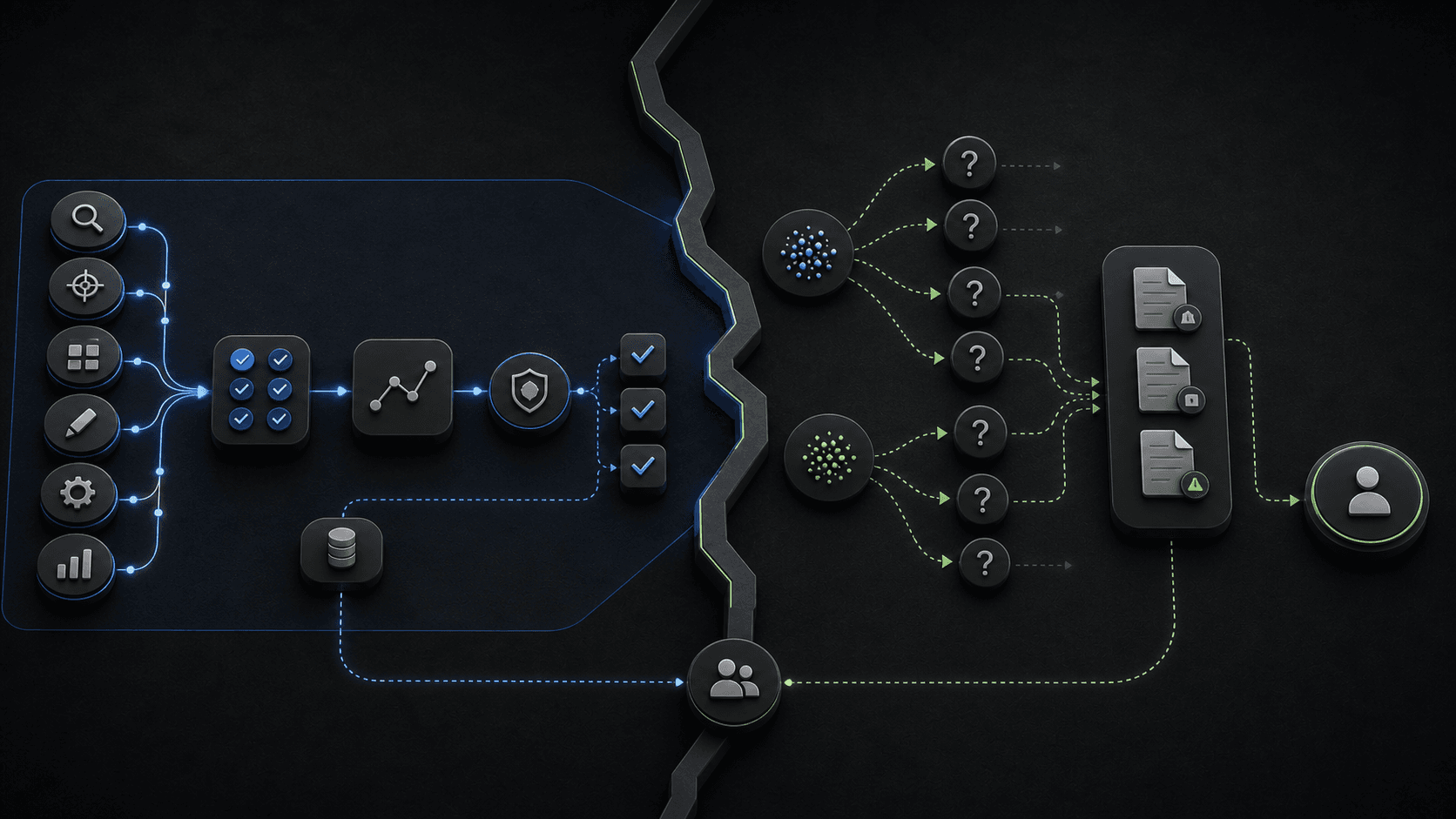
Illustrative concept graphic for AI surface reporting limits, not a product screenshot.
You can buy placement in AI surfaces before you can fully measure them. Spend there is a bet sized by Google's documented reporting limits, CPA, ROAS, and campaign controls.
Key takeaway
The client asks what AI Mode spend returned last month. You open Google Ads and find campaign reports, search terms, conversion actions, CPA, ROAS, and Change history. You do not find a segmented AI Overview or AI Mode placement report. Google's About ads and AI Overviews page says ads in AI Overviews are reported as Top Ads, that advertisers cannot target only AI Overview placements, cannot opt out, and that Google Ads currently does not offer segmented reporting when ads show within Search AI Overviews. You can buy placement in AI surfaces before you can fully measure them. Spend there is a bet sized by reporting limits, and the limits are documented.
The reporting job is to separate what the team can control, what it can monitor, and what remains uncertain. Judge performance through conversion quality, query movement, landing pages, budget pacing, and AI Max controls rather than inventing precision Google has not shipped. Parallel AI turns connected account movement into a client or leadership summary that states confirmed changes, monitoring items, and next review steps without overstating placement visibility.
Checked against current product, pricing, trust, and official Google materials so the comparison, buying guidance, and fit criteria stay current and defensible.
- Google's AI Overviews documentation defines placement eligibility, Top Ads reporting treatment, and the absence of segmented in-overview reporting.
- Search terms, campaign reports, landing pages, conversion actions, CPA, ROAS, budgets, and Change history were treated as the actionable read surfaces.
- Parallel's role stays limited to finished summaries and drafted follow-ups held for human approval.
Google's documentation ties ads in AI Overviews and AI Mode to existing Search, Shopping, and Performance Max campaigns. Matching can consider both the query and AI Overview content. That is the buy side. The measurement side is narrower.
DEFINITION
Segmented AI Overview reporting
A placement-level breakdown advertisers might want for ads served within AI Overviews. Google's Help FAQ states Google Ads currently does not offer segmented reporting when ads show within Search AI Overviews, that ads in AI Overviews are reported as Top Ads, and that Google is still learning what future reporting should look like for the experience.
Google Ads Help: About ads and AI Overviews
Teams should use the reporting Google exposes: campaign reports, search terms where available, landing pages, conversion actions, CPA, ROAS, budget pacing, and Change history. AI Max campaigns add documented views such as Search terms and landing pages from AI Max plus AI Max rows in keywords and asset reports.
Ads above and below AI Overviews follow existing auction ranking in markets Google documents. In-overview ads add context matching on top of query matching. Neither path gives you a dedicated AI-surface dashboard today.
Google's FAQ also confirms advertisers cannot target only AI Overview placements and cannot opt out of serving in AI Overviews. Budget and creative decisions still flow through the campaigns you already manage.
Documented limits are a feature of the buy, not a temporary dashboard bug.
Do not claim isolated AI Overview or AI Mode placement performance unless Google exposes that reporting clearly. Describing the gap as missing dashboard data sounds like an excuse. Describing it as a reporting boundary sounds like professional judgment.
Do not let top-line Search movement become a precise AI-surface attribution story. A lift in Top Ads impressions may include AI Overview serves, traditional top placements, and other eligible surfaces aggregated together.
Do not hide uncertainty in footnotes after headline numbers in the client deck. State the monitoring question in the same sentence as the performance claim.
Illustrative client update: Search conversions rose nine percent week over week while CPA held flat. Top Ads impressions rose, but Google does not yet segment in-overview serves, so the team is monitoring query themes and landing-page quality rather than claiming an AI-only ROAS. Numbers are illustrative. The mechanism is pairing movement with an honest caveat.
Lead-gen accounts should pair CPA movement with offline or CRM quality where available. AI-assisted discovery can widen query shapes faster than a last-click dashboard explains, so the client update needs the same quality caveats you would use after a broad match expansion.
Once the boundary is clear, the weekly report becomes a translation exercise from campaign data to business language.
When AI Max is in play, add the Search terms and landing pages from AI Max view to explain query and URL movement that standard search term filters undercount.
For retail accounts, pair campaign movement with Merchant Center diagnostics so product issues do not get mislabeled as AI-surface underperformance.
Change history belongs in every update that mentions AI-assisted discovery. Without it, the team cannot separate platform matching changes from bid, budget, or creative edits.
Auction Insights and impression share can still inform whether Top Ads movement correlates with competitive pressure, even when AI Overview placement stays aggregated. Use those reads as supporting context, not as a substitute for segmented AI reporting.
| Question | Use these surfaces | How to explain it |
|---|---|---|
| Did Search quality change? | Search terms, landing pages, conversion actions, CPA, ROAS, and lead or purchase quality. | Explain the quality movement the account can observe, not a placement claim the account cannot isolate. |
| Did budget movement make sense? | Campaign report, budget pacing, Change history, and conversion lag. | Tie budget movement to campaign behavior and conversion quality. |
| What should the team do next? | AI Max controls, landing pages, search terms, conversion quality, and budget guardrails. | Write the next review step and the reporting caveat in the same summary. |
The credible update names both the win and the open measurement question.
AI surface reporting limits make written summaries more important, not less. Parallel AI reads campaign reports, search terms, landing pages, conversion actions, CPA, ROAS, budget pacing, and change history from the connected Google Ads account, separates confirmed movement from monitoring items, and drafts a client or leadership update that states Google's reporting boundary in plain language. Follow-up campaign notes wait for a person to approve. A deck that implies placement precision will age badly the first time a client asks for the segmented view. See for catalog gates. On Monday morning, pull last week's Top Ads impression and conversion trend, add one paragraph on what Google does not segment yet, and list the next two campaign surfaces you will review before changing budgets. Agency leads can template that Monday paragraph so every account manager states the same reporting boundary before clients infer precision from Top Ads labels alone.
Google documentation
Official ad-eligibility guidance for AI Overviews and AI Mode placements in Google Search.
Official reporting reference for AI Max Search Terms, Keywords, Landing pages, and Asset reports.
Official reference for using the search terms report to review which searches triggered ads and identify keyword or negative keyword updates.
Official reporting reference for Report editor, predefined reports, saved reports, and manager-account reporting.
Official budget reference for average daily budgets, spending limits, daily costs, shared budgets, and budget reports.
- Blog homeBrowse every published Google Ads guide from one editorial index.
- Google Ads AI agent: complete guideThe pillar guide covers the category definition, the adoption model, and where the agent fits real Google Ads work.
- ResourcesMove between the definition page, pricing, product walkthrough, and trust pages.
- About Parallel AISee the company mission, editorial standards, and operating principles behind the product.
- SecurityReview the public data-handling, account-connectivity, and approval-control framing used throughout the published guides.
- Author profileSee the background, specialties, and editorial responsibilities behind the published guides.
- Editorial reviewReview how pricing, trust, and capability claims are checked before public content ships.
- AI Mode Retail Media Readiness Guide for Google Ads TeamsFor ecommerce teams preparing Shopping, Performance Max, and Demand Gen before AI-assisted retail inventory shifts.
- AI Mode and AI Max Readiness Checklist for Google AdsHelpful when Search automation is on the roadmap but the account still needs measurement, copy, landing-page, and budget readiness checks.
- AI Max Testing Playbook for Google Ads Search CampaignsFor paid search leads running a controlled AI Max experiment on a healthy Search campaign.