

Search Test Plan
AI Max Testing Playbook
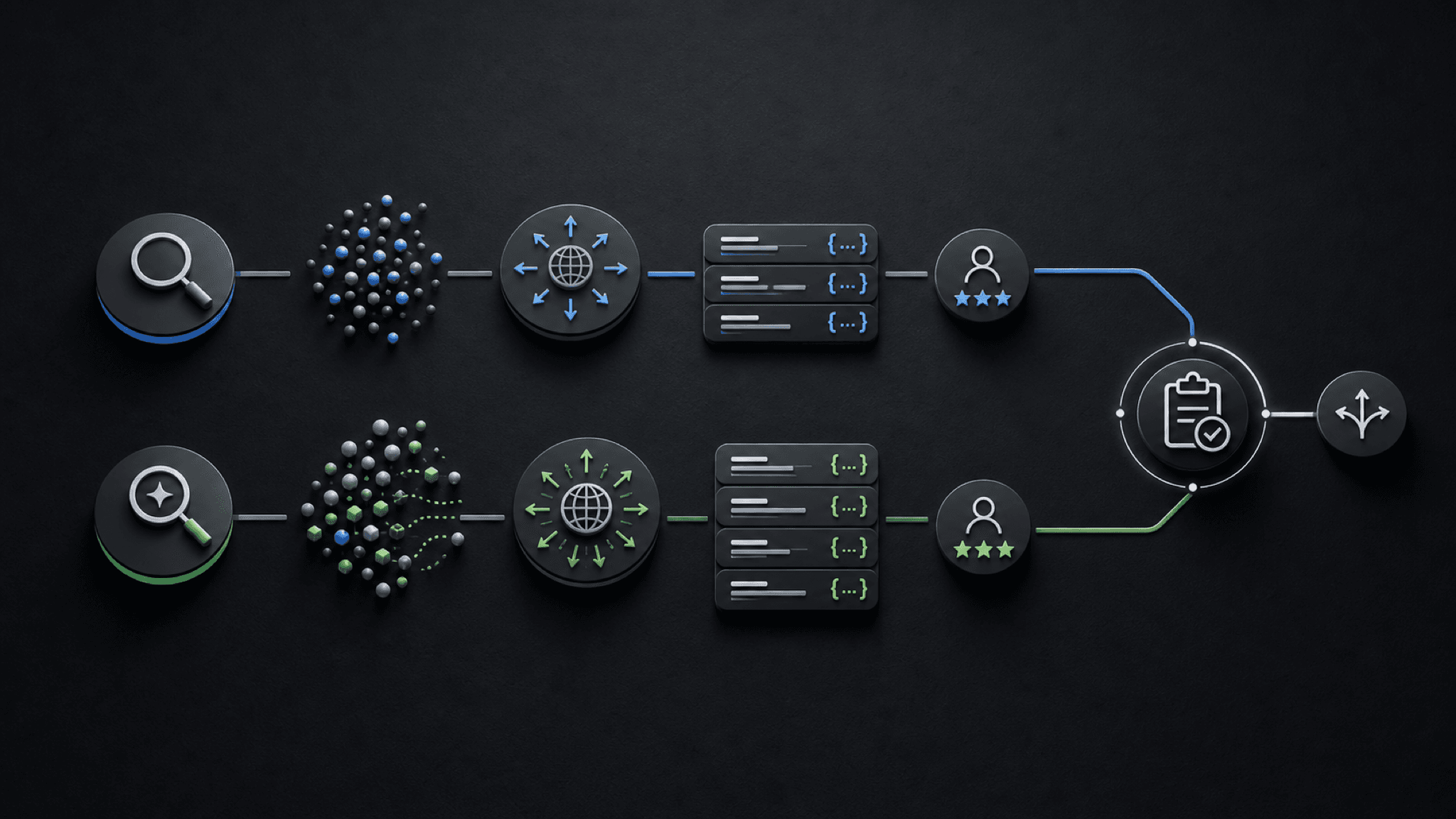
Illustrative concept graphic for AI Max experiment review, not a product screenshot.
AI Max reshapes Search campaigns while the test runs. The playbook keeps a 50/50 experiment readable through search terms, text customization, final URL expansion, CPA, ROAS, and rollback.
Key takeaway
You enabled AI Max on a healthy Search campaign and opened the search terms report two weeks later. Match type now includes AI Max rows. Headlines you did not write are serving. Final URL expansion is sending traffic to pages the team has not reviewed. Google's How AI Max for Search campaigns works page says turning on AI Max turns on search term matching, text customization, and final URL expansion together, with toggles at campaign and ad group level. The campaign did not break. It became harder to read. AI Max is not a switch to flip. It is an experiment to run, and the playbook is keeping that experiment legible while the campaign changes underneath it.
Google's About AI Max for Search campaigns page cites internal data showing advertisers who activate AI Max in Search campaigns typically see about 14 percent more conversions or conversion value at a similar CPA or ROAS for non-retail advertisers. That average is not your account's verdict. The decision is whether a controlled test improves qualified performance without weakening query relevance, landing-page fit, conversion value, or budget control. Parallel AI reads the connected Google Ads account, writes the test plan in a doc or spreadsheet, and drafts experiment notes for a person to approve.
Checked against current product behavior, account-review tools, and official Google materials so the explanation matches the real review process and live product boundaries.
- Google's About and How AI Max pages define search term matching, text customization, final URL expansion, brand controls, and reporting surfaces used in the test plan.
- Custom experiment setup, CPA or ROAS guardrails, search terms review, landing pages, conversion quality, and budget movement were treated as joint gates before scale, pause, or iterate calls.
- Parallel's role stays limited to connected account review, finished test summaries, and drafted changes held for human approval.
The paid media lead enables AI Max on the campaign that already carries the brand and the clearest conversion signal. Two weeks later the search terms report shows AI Max as a match type and generated headlines in the combined search term and landing page view. That is the tension: Google's documentation promises incremental reach, and your job is to see whether the new traffic still matches the offer.
DEFINITION
AI Max for Search campaigns
A suite of targeting and creative enhancements in Google Ads Search campaigns. Google's Help documentation includes search term matching with broad match and keywordless technology, text customization of headlines and descriptions, final URL expansion to landing pages predicted to perform better, brand settings, URL inclusions and exclusions, and reporting updates in the search terms, keywords, asset, and landing pages reports.
Google Ads Help: About AI Max for Search campaigns
Test-readiness starts with stable conversion tracking, enough recent volume to compare lanes, and CPA or ROAS guardrails written before enable. Google's AI Max reporting page recommends waiting at least two weeks after enabling AI Max before making changes like adding negative keywords, so the test window needs calendar room, not only budget room.
Budget headroom matters because AI Max can expand query and landing-page reach while Smart Bidding still optimizes toward your stated target. A campaign that is already starved for learning or fighting a tracking gap will not produce a clean read.
Final URL expansion deserves an extra gate. Google's How AI Max page notes that dynamic landing pages can break when tracking templates lack a compatible {lpurl} tag pattern. Verify tracking templates before the test, not after click volume shifts.
Illustrative setup: a Search campaign on Target ROAS with $8,400 weekly spend, stable 28-day conversion value, and a written floor of 360 percent actual ROAS during the test. Numbers are illustrative. The mechanism is naming the tuition band before AI Max starts rewriting query and URL paths underneath you.
A campaign that cannot explain its baseline cannot host a readable AI Max experiment.
Once the baseline is credible, the experiment is a comparison problem. Google's Set up a custom experiment Help page is the documented path for testing campaign changes before broader rollout.
Control lane
Original
Pre-enable settings, budget, bid strategy, and conversion actions.
AI Max lane
Test
Search term matching, text customization, and final URL expansion on.
Guardrails
Written
CPA or ROAS floor, query relevance rules, and URL acceptance criteria.
Review cadence
14 days
Search terms, landing pages, assets, and Change history on a fixed schedule.
Document the control lane settings, budget assumptions, conversion actions, and bid strategy before enable. The AI Max lane should name which controls stay on, which URL exclusions apply, and who owns weekly search terms and asset review.
Success thresholds belong in the same doc: qualified conversions or value, acceptable CPA or ROAS drift, landing-page fit, and query themes that would trigger pause even if top-line volume rises.
Google's AI Max reporting documentation adds a dedicated Search terms and landing pages from AI Max view plus AI Max rows in the keywords report for expanded matches and landing page matches. Those surfaces are how you explain what changed. Plan to pull them on the same day each week so the test does not dissolve into anecdote.
Open AI Max reporting after the ramp period
Scale when the AI Max lane improves qualified conversions or value and the search term, landing-page, and copy changes remain acceptable against the written guardrails. Google's About AI Max page cites typical gains at similar CPA or ROAS for non-retail advertisers. Your account still has to pass your own relevance and margin tests.
Pause when performance gains ride on weak intent, poor landing-page fit, broken tracking templates, or conversion quality you cannot explain to a client or finance lead. AI Max can increase reach faster than your negative keyword and URL exclusion list can absorb if nobody is watching weekly.
Iterate when the signal is directionally useful but controls need tightening: brand exclusions, URL exclusions, revised text guidelines, or a shorter review window. Google's reporting page warns against overusing negative keywords because it can limit intent-based targeting benefits.
Change history should record who enabled AI Max, which lane was in scope, and which guardrails were active. When CPA drifts three weeks later, the team needs that record instead of a debate about whether Smart Bidding or the sales calendar moved first.
Scale when
- Qualified conversions or value improve against the written CPA or ROAS band.
- Search terms, landing pages, and generated copy pass the team's relevance and brand checks.
- Weekly AI Max reporting views explain where incremental traffic came from.
Pause when
- Top-line clicks rise while conversion value or lead quality flatlines.
- Final URL expansion sends traffic to untested pages or broken tracking paths.
- Nobody can summarize what the AI Max lane changed in plain language.
Readable beats promising when the campaign is still learning on your budget.
AI Max testing is a connected-account job Parallel AI handles well. The agent pulls search terms, keywords, landing pages, asset reports, conversion value, CPA, ROAS, and change history from the connected Google Ads account, compares control and test windows, and writes scale, pause, or iterate rows in a doc or spreadsheet with guardrail and rollback columns. If the call is to draft URL exclusions, negative keywords, or a pause note, it waits for a person to approve that change. Charts without a written test record recreate the same Monday meeting. See for copy guardrails and for boundary context. On Monday morning, open the Search terms and landing pages from AI Max view for any experiment lane, compare actual ROAS to the written floor, and send one continue, tighten, or rollback line before the test window extends.
Google documentation
Official overview of AI Max for Search campaigns, including matching, creative, reporting, and controls.
Details on search term matching, text customization, final URL expansion, and related AI Max controls.
Official reporting reference for AI Max Search Terms, Keywords, Landing pages, and Asset reports.
Google's current documentation for AI Mode and AI Max built on broad match, Smart Bidding, and responsive search ads.
Official Smart Bidding reference for Google's automated bid optimization systems.
Google's reference for testing campaign changes with experiments before broader rollout.
- Blog homeBrowse every published Google Ads guide from one editorial index.
- Google Ads AI agent: complete guideThe pillar guide covers the category definition, the adoption model, and where the agent fits real Google Ads work.
- ResourcesMove between the definition page, pricing, product walkthrough, and trust pages.
- About Parallel AISee the company mission, editorial standards, and operating principles behind the product.
- SecurityReview the public data-handling, account-connectivity, and approval-control framing used throughout the published guides.
- Author profileSee the background, specialties, and editorial responsibilities behind the published guides.
- Editorial reviewReview how pricing, trust, and capability claims are checked before public content ships.
- AI Max Expansion After GML 2026: What to Audit Before You Adopt ItHelpful when Google Ads teams need to audit AI Max readiness without losing account-level review and approval.
- AI Max Text Guidelines: Keep Google Ads Copy On-BrandFor paid search and brand teams reviewing AI Max text customization before scale.
- AI Mode and AI Max Readiness Checklist for Google AdsHelpful when Search automation is on the roadmap but the account still needs measurement, copy, landing-page, and budget readiness checks.