

4 min read
Parallel AI vs Adalysis: Which Google Ads Workflow Fits Better?
Adalysis offers systematic audits and ad testing. Parallel supports Google Ads investigations and editable analysis. Here's what to compare.
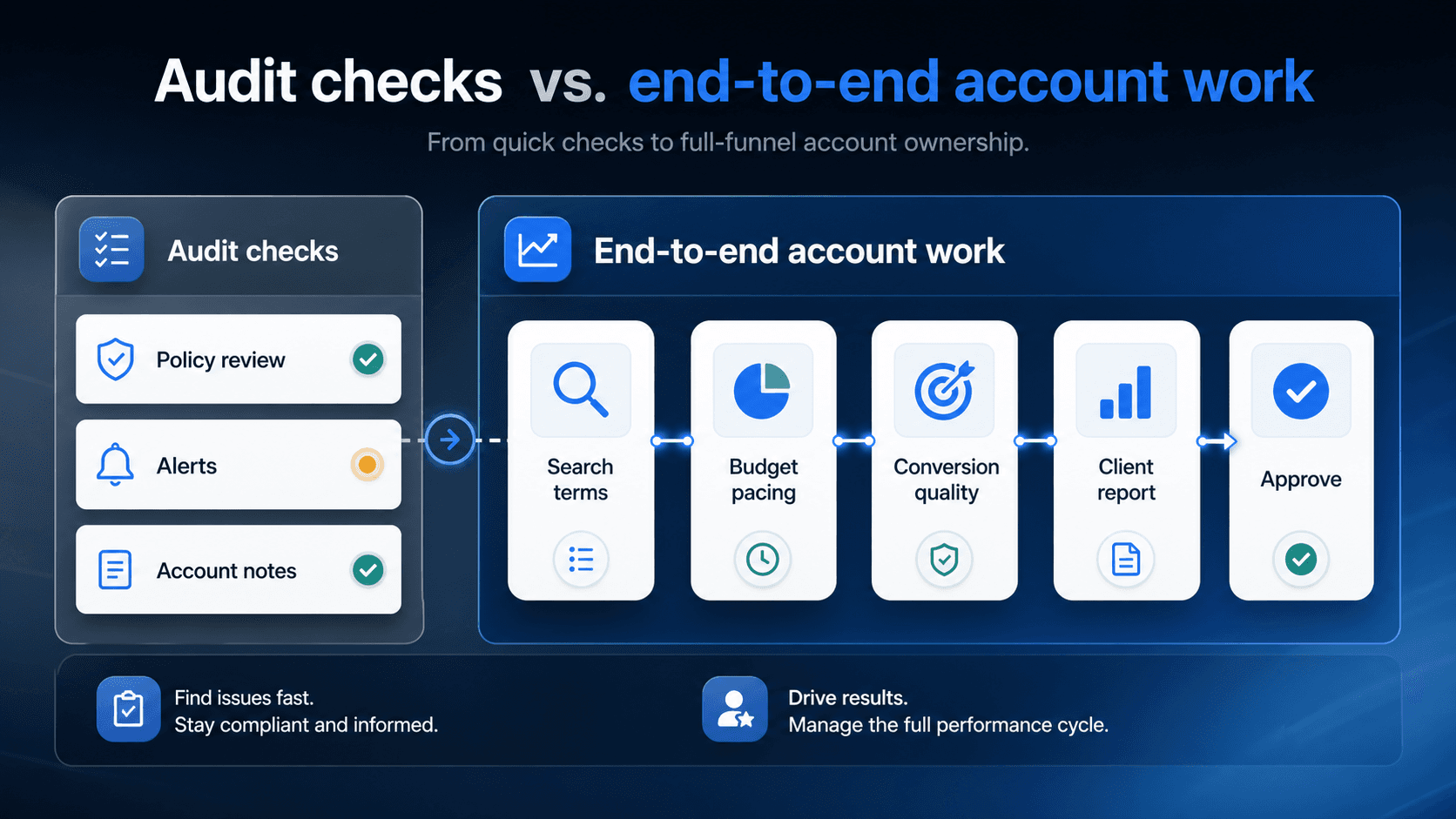
Adalysis focuses on ongoing PPC audits, ad testing and alerts for Google Ads and Microsoft Ads. Parallel is a Google Ads agent you can ask to investigate performance, conduct research and prepare editable reports. If you are choosing between them, distinguish finding a known class of issue from working through a question that needs several reports and some judgment.
Adalysis: recurring checks and ad testing
If your main need is to keep checking accounts for familiar problems, start with Adalysis's audit and alert coverage. Review the actual checks against your campaigns rather than treating the number of checks as a measure of usefulness.
For ad testing, inspect the recommendation, the results behind it and the conditions under which the tool considers a decision justified. Your team still needs to decide whether a finding warrants action in the particular account.
Parallel: investigating a question
A question such as why qualified leads fell may require more than an audit checklist. You may need to compare campaign performance, inspect conversion settings and add CRM evidence. Parallel can help investigate with the connected data available to it and the files you provide.
Ask for the reasoning as well as the report. If an important source is unavailable, the analysis should say so. A plausible explanation is not a confirmed cause, even when it appears in a polished spreadsheet.
Capabilities side by side
Both products offer analysis and reporting. The table compares their published capabilities, not the accuracy of their recommendations in your account.
| Capability | Parallel AI | Adalysis |
|---|---|---|
| Category | AI agent for Google Ads | Adalysis is a PPC audit, testing, and alerting platform focused on Google Ads and Microsoft Ads. |
| Best for | Teams that need help investigating Google Ads performance and preparing research, documents, spreadsheets and reports. | Teams that want deep audit coverage, ad testing, alerts, and systematic PPC review. |
| Account connectivity | Connect Google Ads accounts and add files needed for the analysis. | Google Ads and Microsoft Ads, with manager-account connectivity. |
| Multi-account / MCC support | Individual Pro: 2 Google Ads accounts; Individual Max: 10 Google Ads accounts; Team: 20 shared Google Ads accounts; Agency: 50 shared Google Ads accounts; Enterprise: Custom / negotiated | The pricing page advertises unlimited accounts and users; pricing scales with managed spend. |
| Audit depth | Investigate account performance, examine supporting data and propose next steps. | Deep audit checks, alerts, quality-score monitoring, and testing workflows. |
| Reporting output | Editable documents, spreadsheets and reports. | PPC reporting and alerting inside the audit platform. |
| Change controls | Analysis is read-only. Proposed Google Ads account changes require approval. | Audit findings, testing, and optimization controls are the main workflow. Verify permissions and which fixes can run automatically. |
| Creative generation role | Prepare creative briefs, ad copy and campaign plans. | More audit-and-testing-oriented than document-and-report oriented. |
| Pricing model | Individual Pro: $60/month; Individual Max: $200/month; Team: $75/seat/month; Agency: $150/seat/month; Enterprise: custom pricing. Individual Pro: 5-day trial; Individual Max: 5-day trial. Team and Agency have no free trial. Monthly billing prices; see pricing for other billing periods. | Spend-based pricing with a 30-day free trial and MCC-oriented account coverage. |
Account limits and pricing
Adalysis publishes spend-based pricing, unlimited accounts and users, and a 30-day trial. Check the tier for the total spend you manage. Its published integrations cover Google Ads and Microsoft Ads, including manager-account connectivity.
For Parallel, use the current pricing page to check connected-account and usage limits. If your team already has a reporting process it likes, include the effort of introducing another tool in the comparison.
Use an issue you have already investigated
Give each product a known account issue and an existing ad test. Check whether it finds the issue, explains why it matters and distinguishes urgent problems from warnings that do not need action.
Then ask for the next step. Can the account manager verify the supporting figures and understand the recommendation without repeating the entire investigation? That tells you more than comparing demo screenshots.